










When you Create
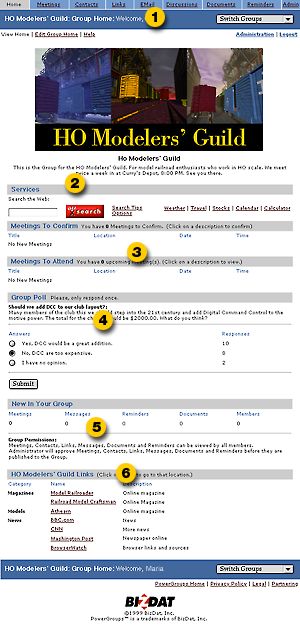
or Join a Group, you're taken to the Group's Home page. It works
exactly the same as your Personal Home page with one major exception:
only information, relating to your specific Group is presented.
So, if you need to work with meetings, contacts, and documents
specific to a single Group, you can do so without distraction.
 |
|
|