










Once you Create and Join a few Groups, you'll learn to appreciate PowerViews. Names, documents, meetings, discussions, web links; nearly all your information initially appears in lists, sorted by Group name.
Wouldn't it be great if you could hide a few of those Groups so that you could, for example, compare your Work Group and Your Church Group to check for appointments that might confict?
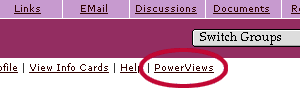
With PowerViews, you can.
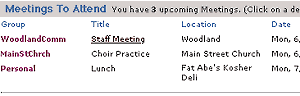
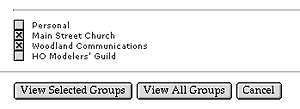
You can choose to view one, all or any combination of your Groups, all from the convenience of your Personal Space (see Demo).
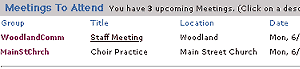
Your List View
is then redrawn, showing you only the information from the Groups
you selected.